Trusted with 5,329,753+ synchronized files
Link to and organize your files in Notion
Turn your files into Notion database entries.
Open them instantly, right from Notion.
Free plan: one directory and 100 files. Extended: $39 once, no subscription.
✓ File contents stay local✓ macOS & Windows✓ Free to start

How local files become a Notion database
- Connect Notion. Create your own integration and connect a page in your workspace.
- Choose a local folder. Select the directory containing the files you want to organize.
- Sync file details. Browse metadata in Notion and use the generated links to open files on your computer.
This catalogs file metadata; it does not upload file contents, back up your files, or sync Notion documents back to disk.
See setup steps and Basic Plan featuresOpen any file right from Notion
Open local files, or your downloaded copy of shared Dropbox and Google Drive files. Watch a silent demonstration.

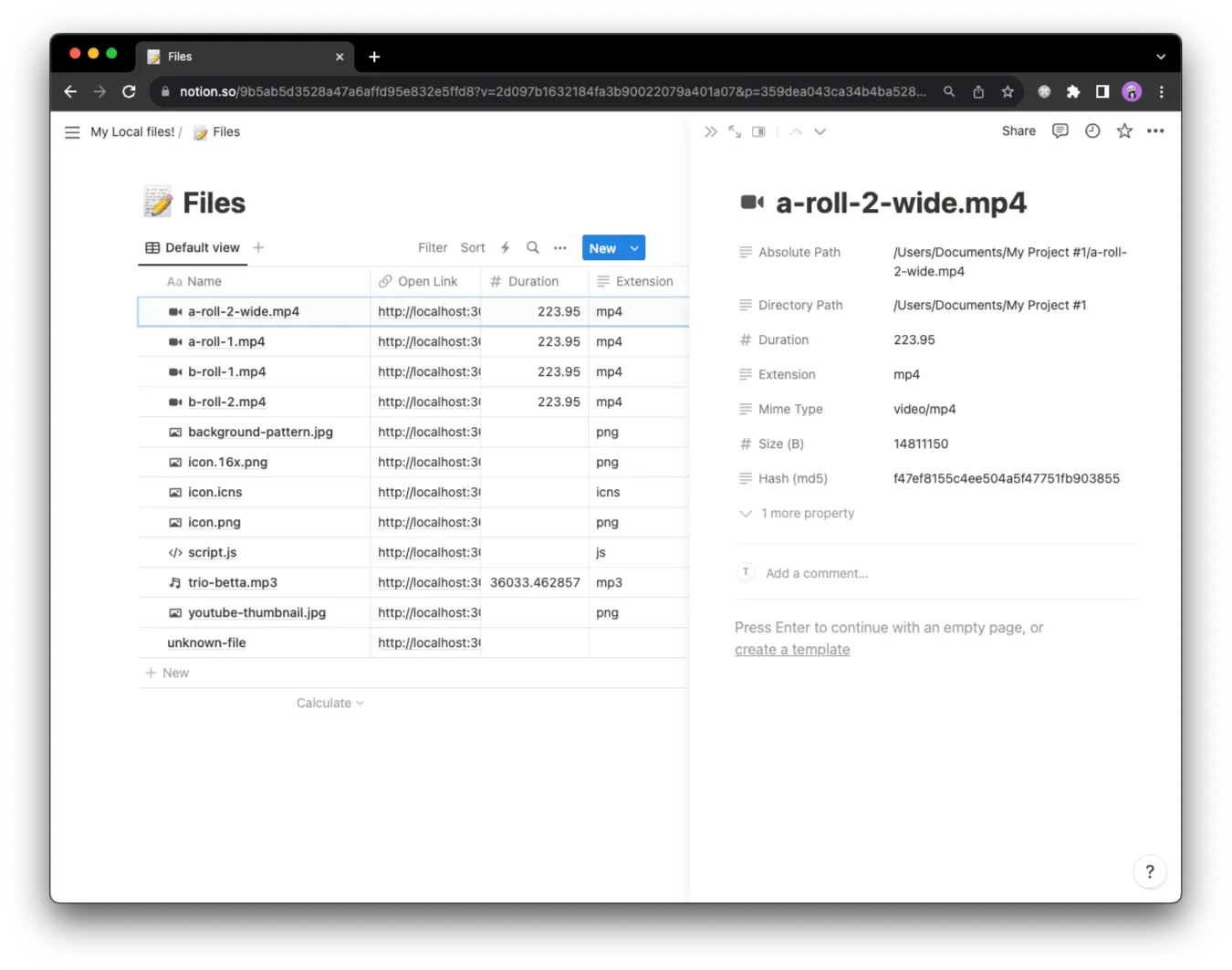
Every file comes with metadata, automatically filled in.
Get instant access to essential file details - file size, file type, absolute path, and more
Over 5,329,753 files synced. Yours next?
Docs, images, videos - you name it. Our users have effortlessly synced thousands of assets to Notion. What will you sync next?
Pay once, use forever
Extended
Popular
Perfect for intermediate users
$39 /one-time
payment
payment
- 30-day money-back guarantee
Download Files to Notion
For macOS and Windows. Get the latest release. Start free with one directory and 100 files; no payment is required to try the Basic Plan.